Discounts
Thêm discounts sẽ giúp bạn lôi kéo khách hàng để tăng doanh thu của nhà hàng
Apply manual discounts
Nếu hiếm khi bạn sử dụng discounts, việc áp dụng discounts thủ công có thể là giải pháp dễ dàng nhất cho POS của bạn
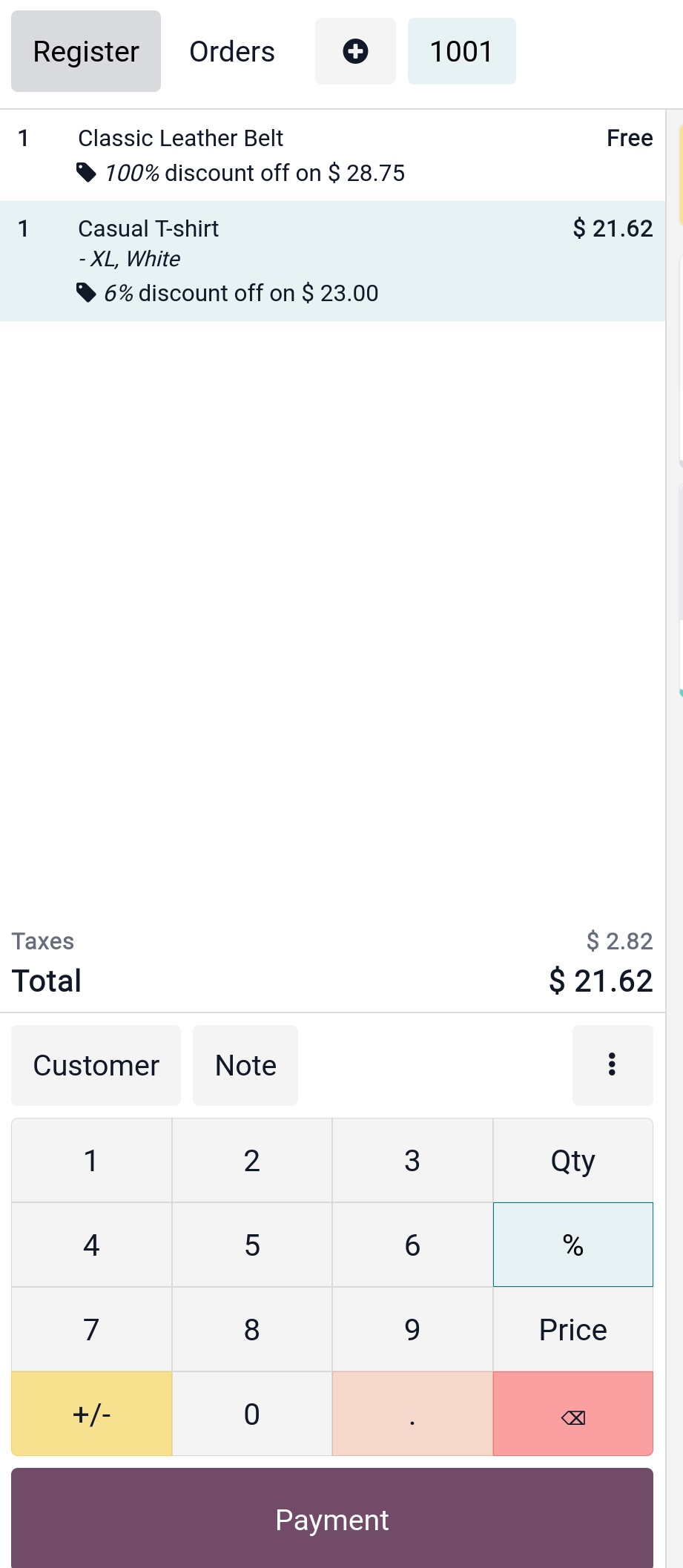
Apply discount on a product
Từ PoS session, sử dụng button % để nhập giảm giá thủ công cho sản phẩm
Apply a global discount
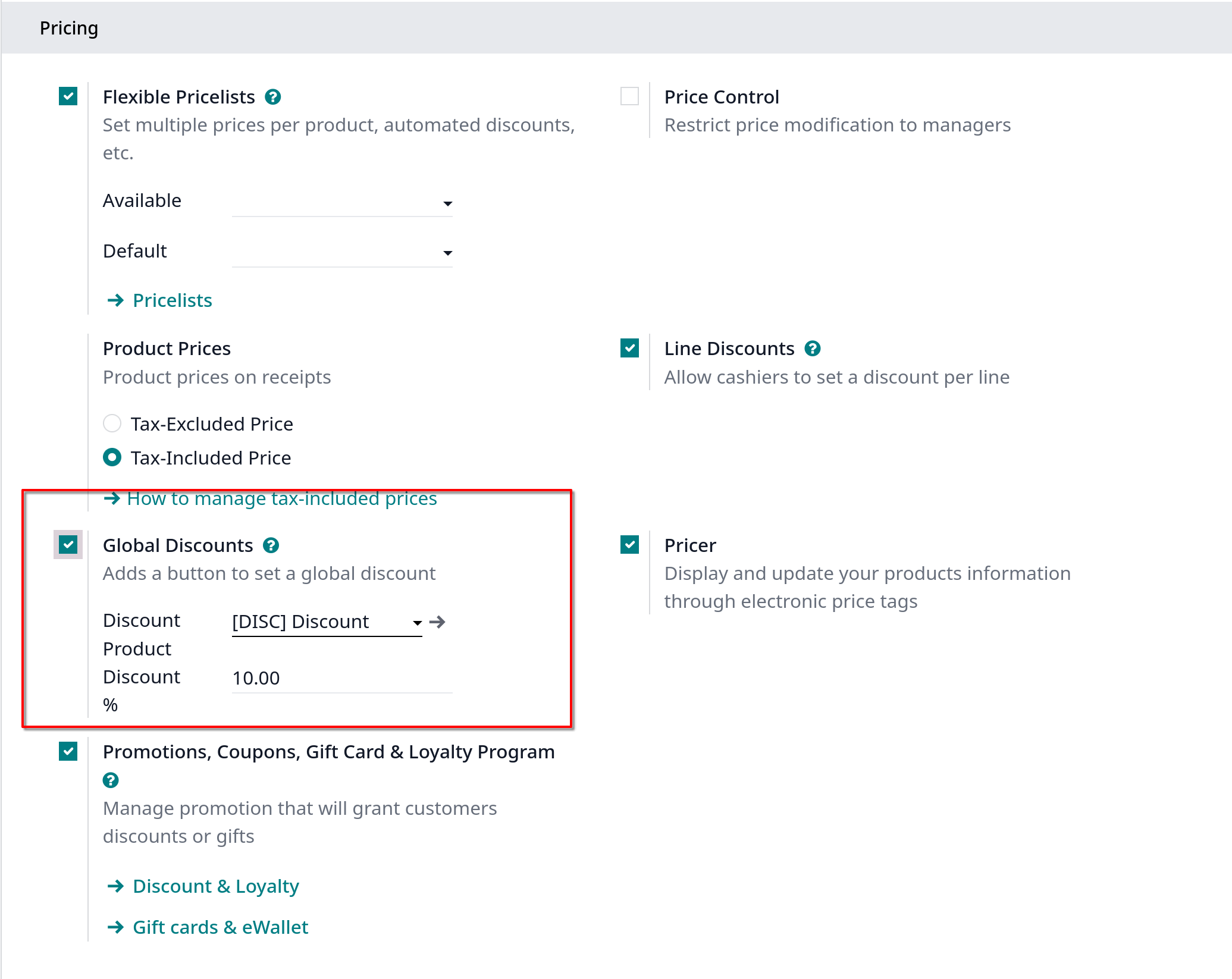
Để áp dụng discount trên toàn đơn hàng, vào Point of Sale -> Configuration -> Point of Sale chọn một POS
Sau đó chọn Global discounts dưới Pricing category
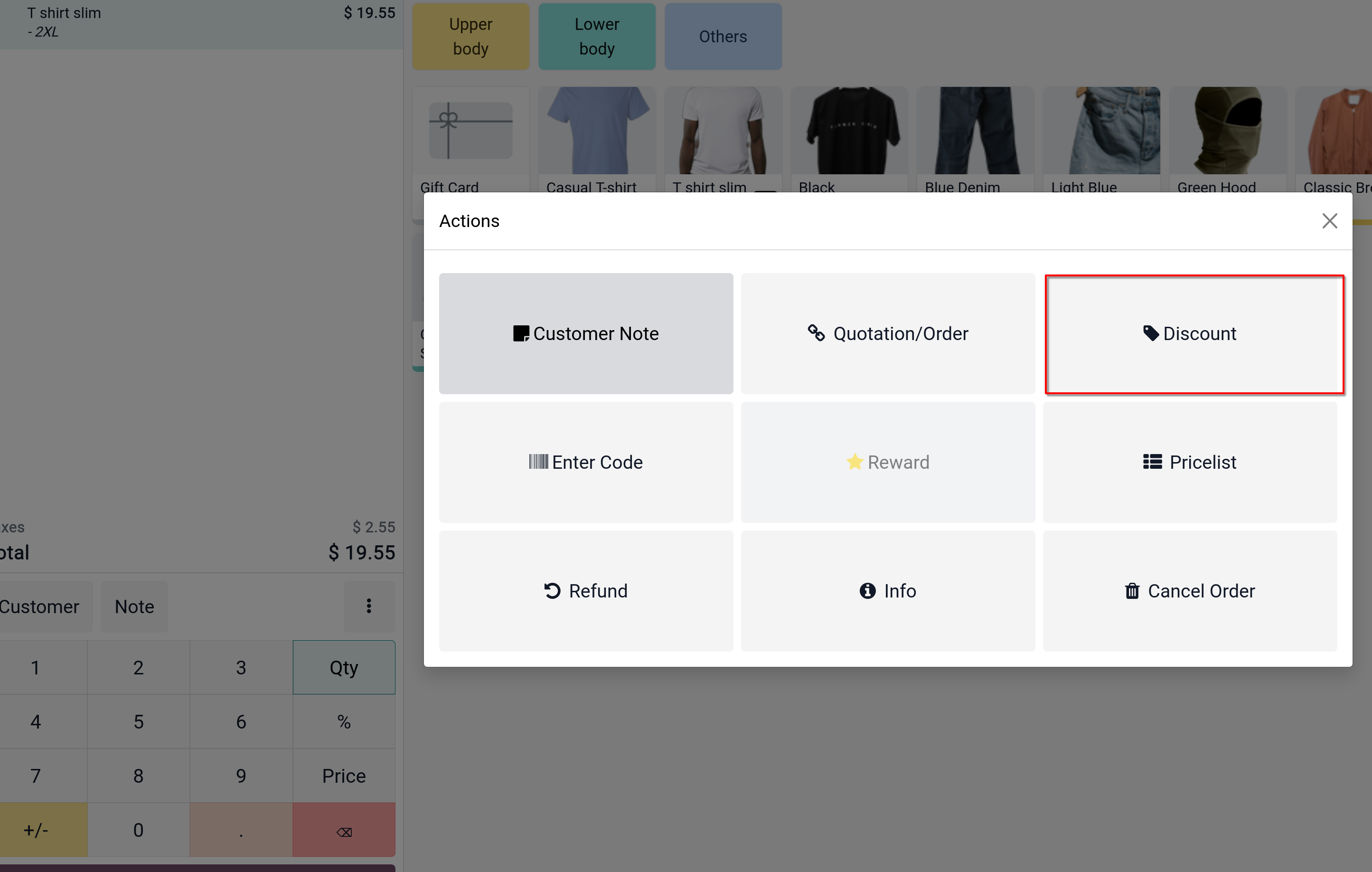
Để dùng giảm giá này ở POS session, click vào Button Discount ở button vertical ellipsis
Apply time-limited discounts
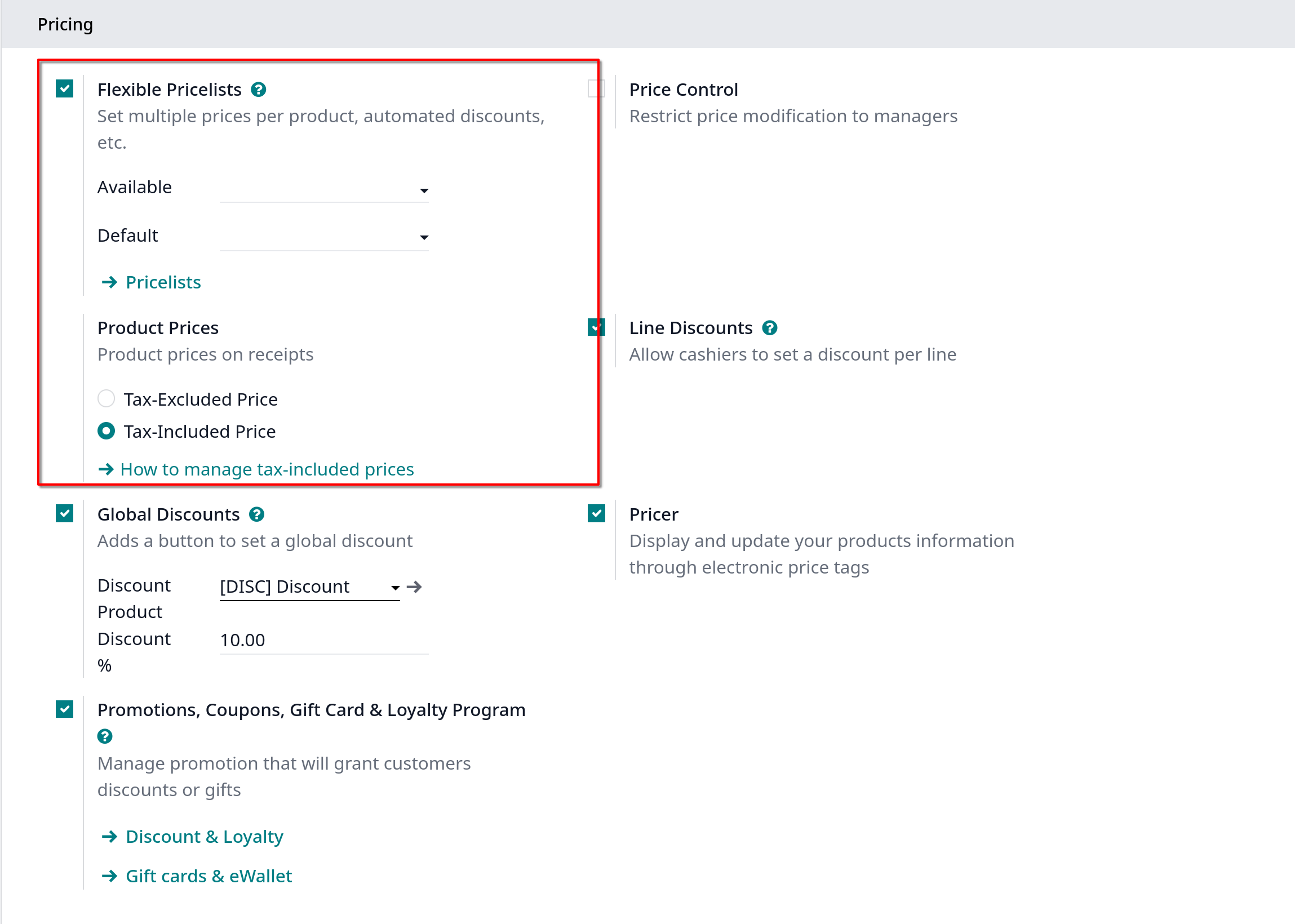
Để active time-limited discounts, bạn phải activate tính năng Pricelists, vào Point of Sales -> Configuration -> Settings, chọn POS muốn setup, kéo xuống Price, chọn Flexible Pricelist, chọn
pricelist tương ứng ở Available và Default, muốn setup thêm pricelist thì click vào Pricelists
Using a pricelist with POS interface
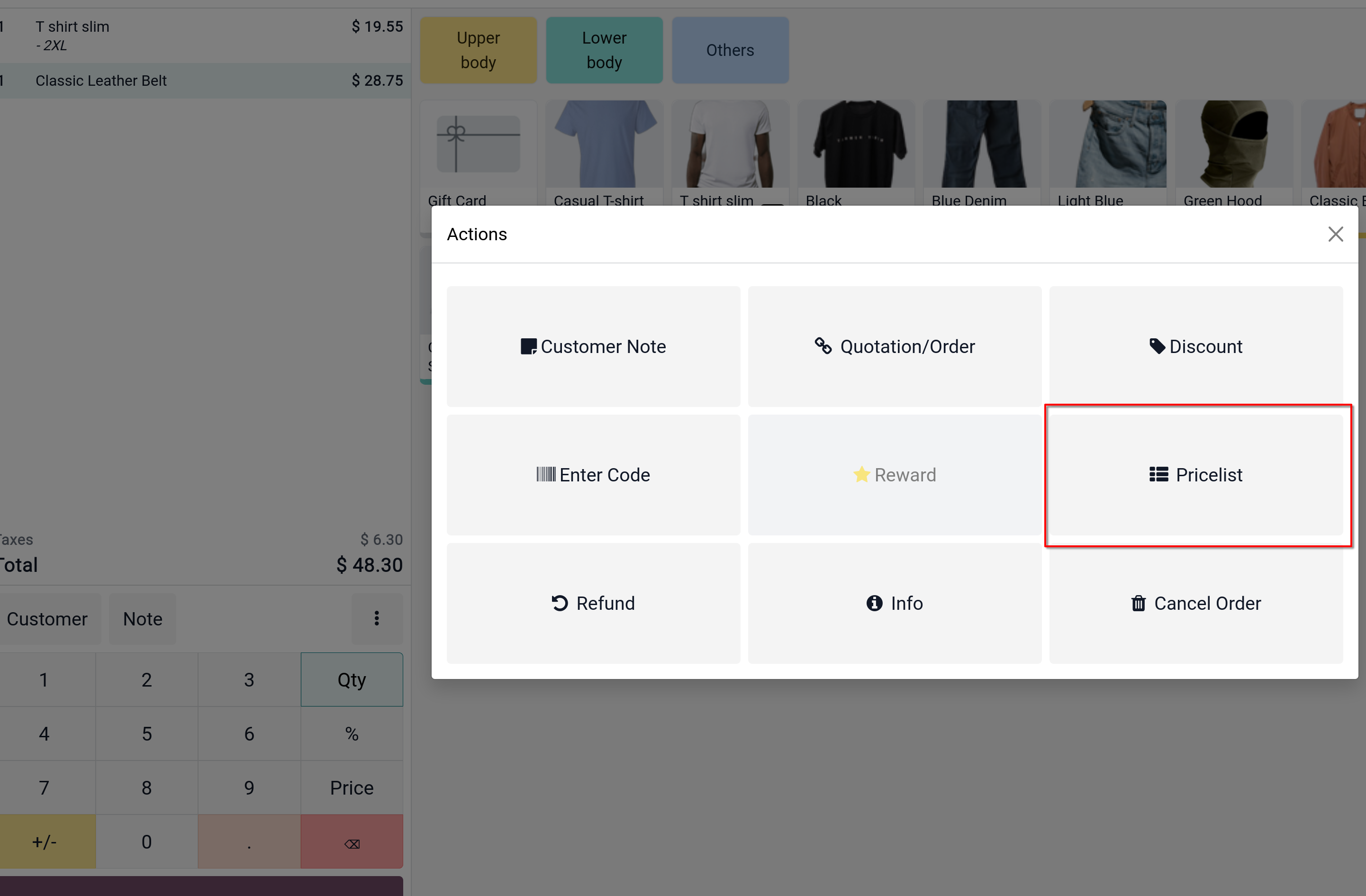
Trên POS interface, một button mới xuất hiện, click chọn vào nó để chọn pricelist